Choosing the best gaming monitor for your needs
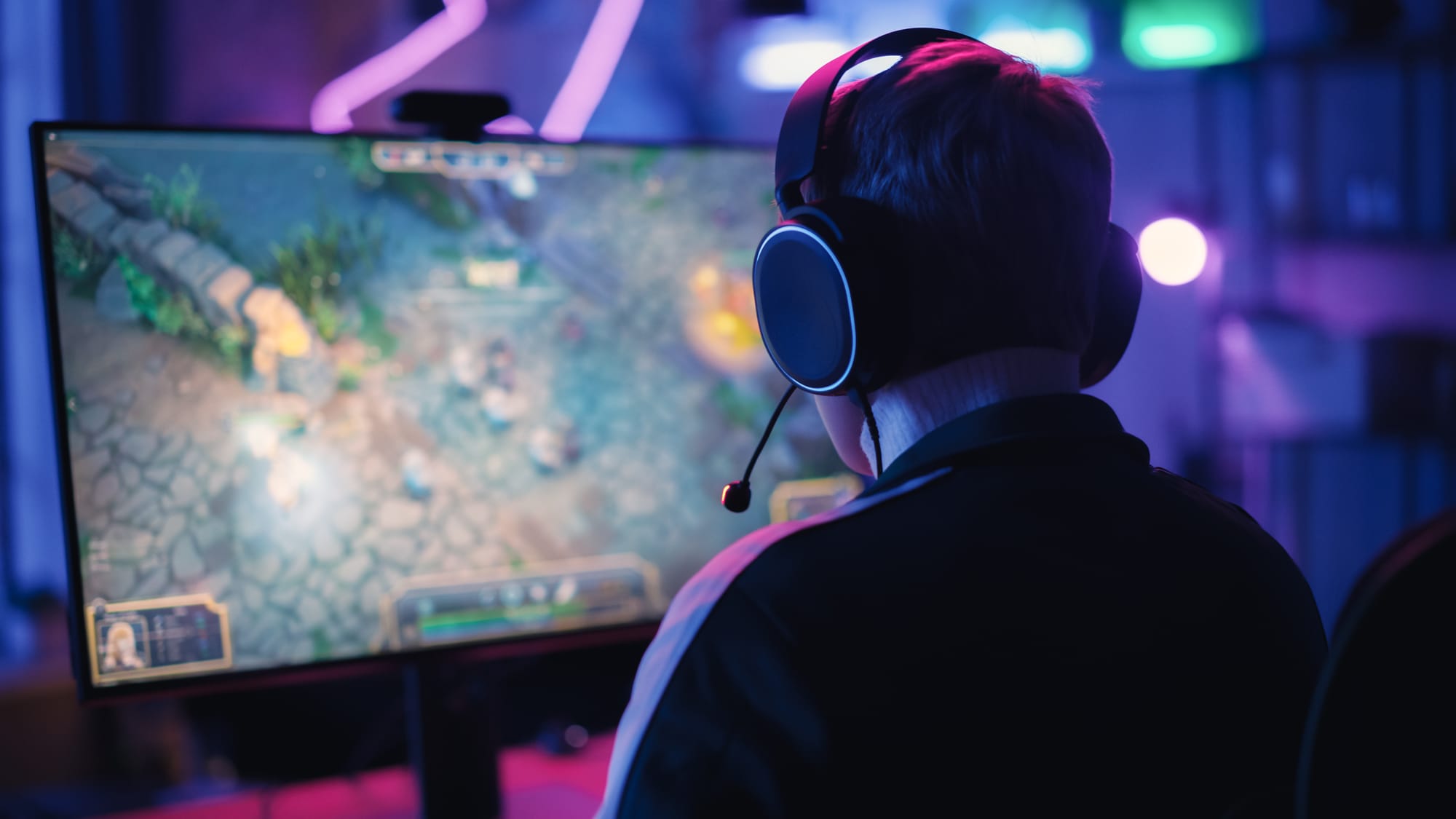
Choosing the best gaming monitor for your needs: a list of practical points to help you buy smart.
1) Specify the primary use before any number or specification.
The first step to choosing a suitable gaming monitor is to determine what you'll be doing on it most of the time. Are you a competitive gamer looking for games like Valorant, CS2, and Fortnite? Or are you a story-driven gamer seeking high-quality images for titles like Elden Ring and God of War? Or do you also use the monitor for work, study, and video editing? Defining your intended use will save you half the trouble, because the best monitor isn't always the most expensive, but rather the one best suited to your gaming style, your seating position, your room's lighting, and your computer.
- Competitive gaming: High refresh rate, low response time, and motion clarity are top priorities.
- Story-driven and cinematic games: priority given to accuracy, color, HDR, and contrast.
- Mixed use: A balance between 1440p resolution and a refresh rate of 144Hz or higher with a good color palette.
- A console like PlayStation: Focus on 4K, 120Hz, HDMI 2.1 and VRR support.
2) Choose the appropriate size for your seating distance and the nature of your office.
Screen size affects comfort as much as it affects the overall viewing experience. A screen that's too large at close range can strain your eyes and neck, while a screen that's too small with high resolution can make text appear tiny. As a practical principle, the closer you are to the screen, the smaller the size or higher the resolution can be adjusted as needed; the farther away you are, the larger the size can be adjusted without the pixels becoming visible.
- 24 inches: Excellent for competing at 1080p, suitable pixel density, and easy on small desks.
- 27 inches: The most balanced, great for 1440p, and also suitable for 1080p if your focus is on frames more than resolution.
- 32 inches: Immersive experience, very suitable for 1440p or 4K, and requires a larger sitting distance.
- 34-inch Ultra Wide: Ideal for racing games, open world, and multi-window action, but it needs good gaming support.
3) Select the resolution based on your graphics card or console.
Resolution is the number of pixels a screen displays, and the higher the resolution, the more graphics power is required. A common mistake is buying a 4K monitor with a mid-range graphics card and then expecting high frame rates in modern games. It's best to balance resolution, refresh rate, and your device's capabilities. In Palestine, many gamers use 1080p or 1440p to balance price with performance.
- 1080p: Best value for those who want 144Hz to 240Hz and above with average capabilities, excellent for competition.
- 1440p: The gold standard for many gamers, much higher r